CIST2531 Advanced Photoshop Final Project
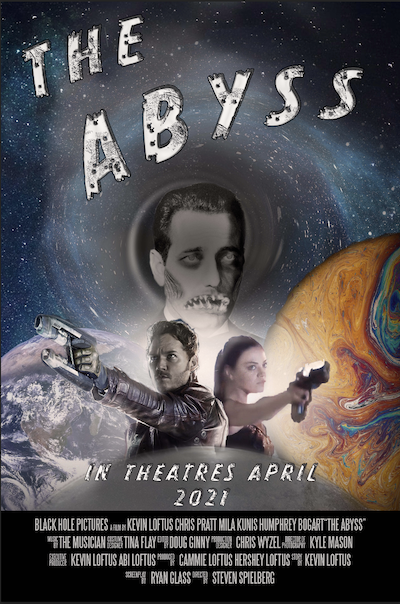 Final Movie Poster - The Abyss |
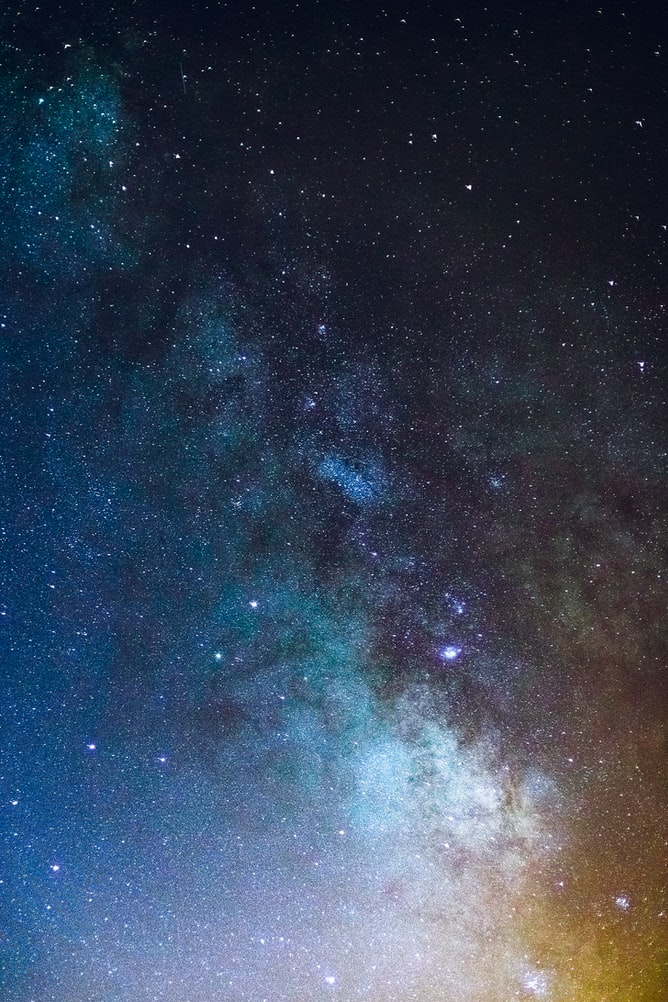 Background - This picture of space was used as the primary background for the poster. It was lightened using the Camera Raw filter. Certain light effects were created using the brush tool with white color and the soft-round pressure opacity and flow (using my xp-pen drawing tablet). |
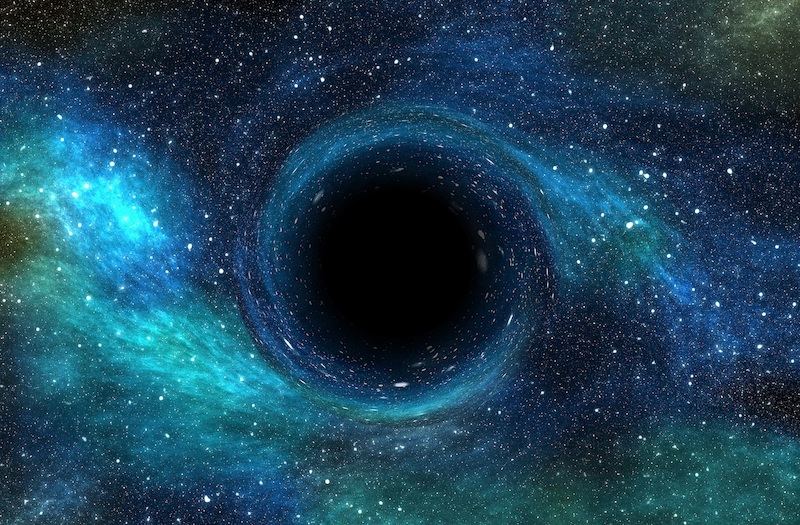 Black Hole - Added using the quick selection tool, and layer masking with some opacity. The stars in this image matched almost perfectly with the background image. I used the Liquify filter with Swirl to create a spiral in the center of the black hole where the Bogshark is coming from in the master photo. |
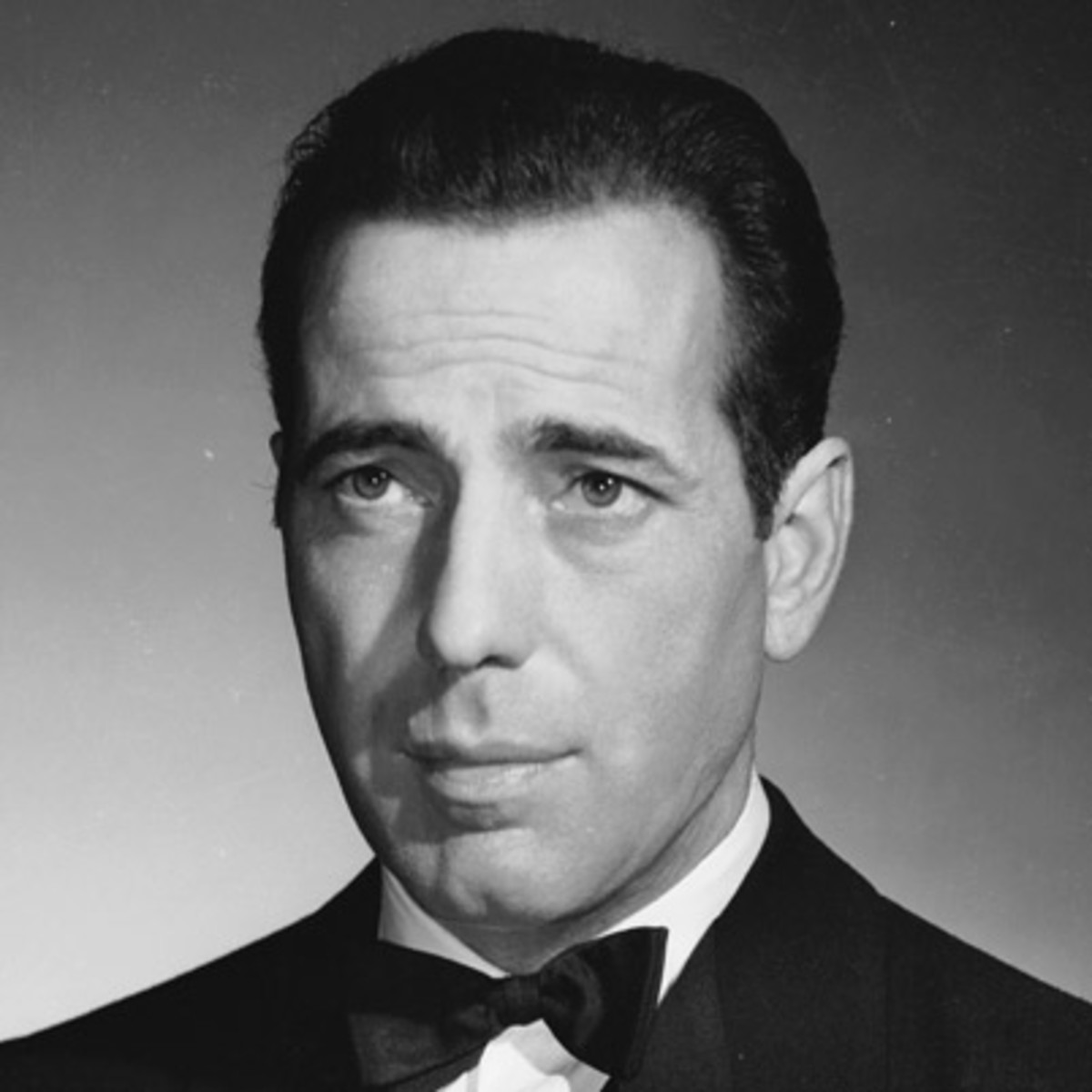 Humphrey Bogart - Much was done to edit this picture (see next photo) to create the BogShark. I decided to use him as the villain or antagonist, and used several images of sharks (later pictured) to make him appear as an alien-shark creature. This was accomplished using a combination of the pen tool, quick selection, clipping and layer masks, brush dodge and sharpen, and blur tools, inner glow on his eyes (from the shark), more brush work for shading, and the camera raw filter to give him a film grain effect. |
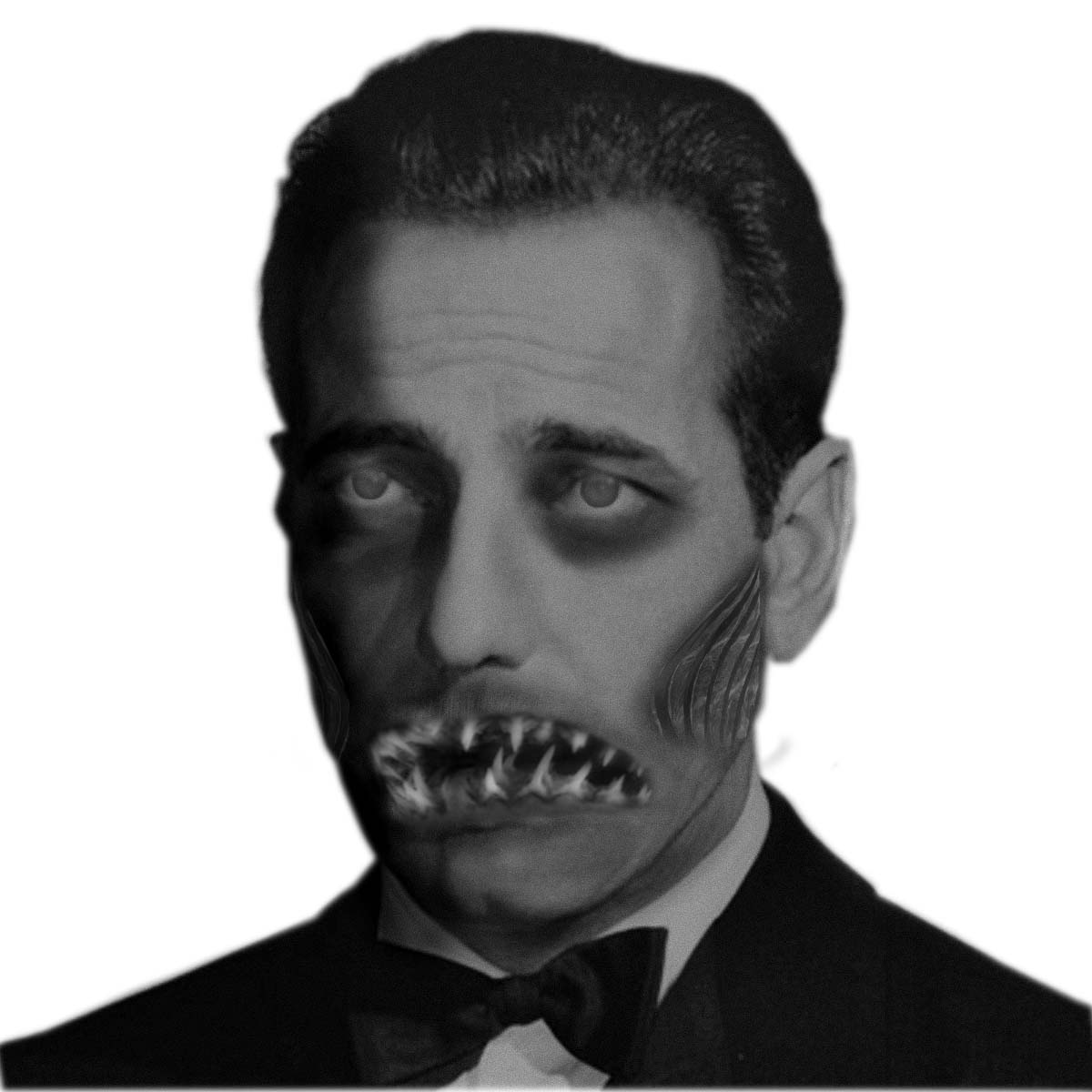 Humphrey Bogart as a shark person - here is the edited image that was then added to the main poster using quick select and layer masks to trim away any unwanted portions of the image. |
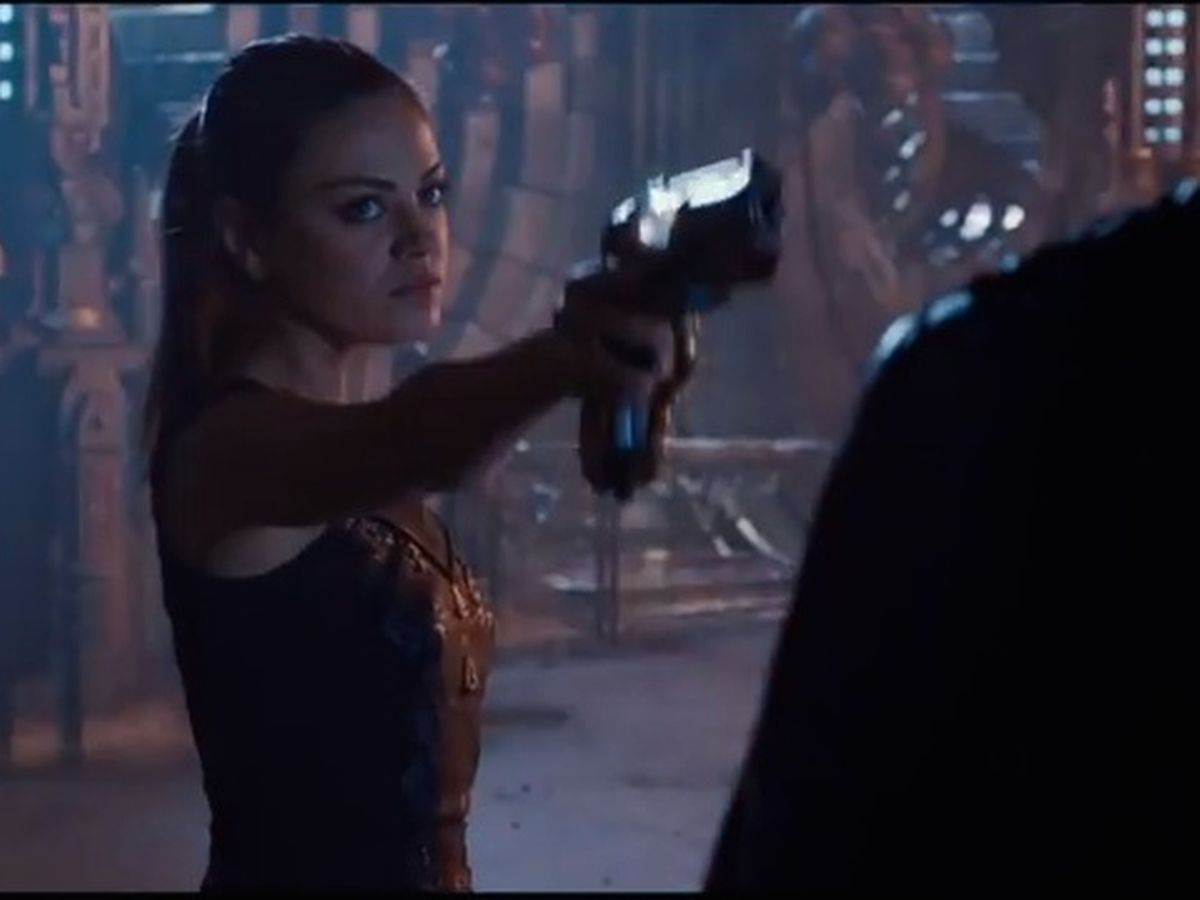 Mila Kunis - She was brought in using the quick selection tool and layer masks to blend her into the photo. I used adjustment layers such as vibrance, hue and saturation, brightness and contrast and more to lighten and match her to the photo. I also used the color picker and brush with a low opacity to better match her skin tone to that of Chris Pratt. |
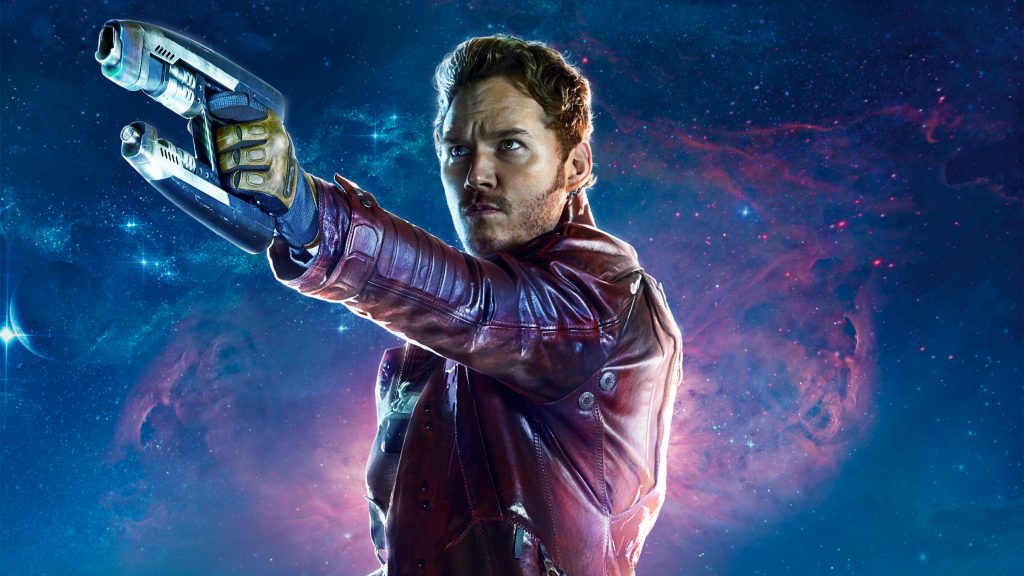 Chris Pratt / Starlord - He was also brought in using the quick selection tool and layer masks to blend into the photo. I used the same adjustment layers (vibrance, hue and saturation, brightness and contrast, etc.) to blend him into the photo. |
 Colorful Planet - Brought in using quick select, copy and paste. Layer masked to blend behind the moon layer and under the actors. edges were also blended. It was brightened using the Camera Raw filter over the entire image. |
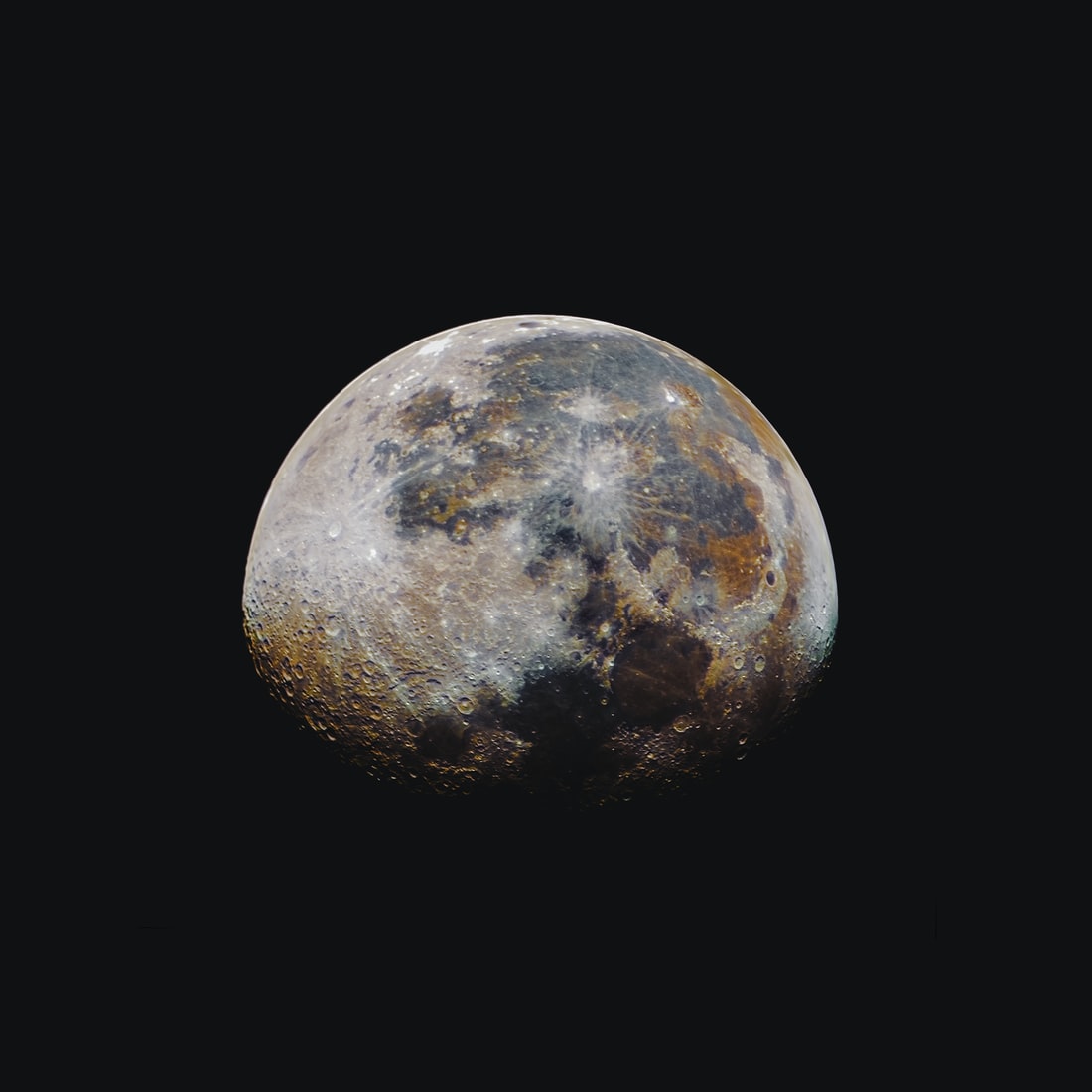 Moon - The moon was brought in using the quick select tool and a lyaer mask to blend to the image and bring to the foreground. I added a gradient to darken it and added the Movie poster credits overtop of it. |
 Earth - Our home planet was brought in using the same techniques as the colorful planet. |
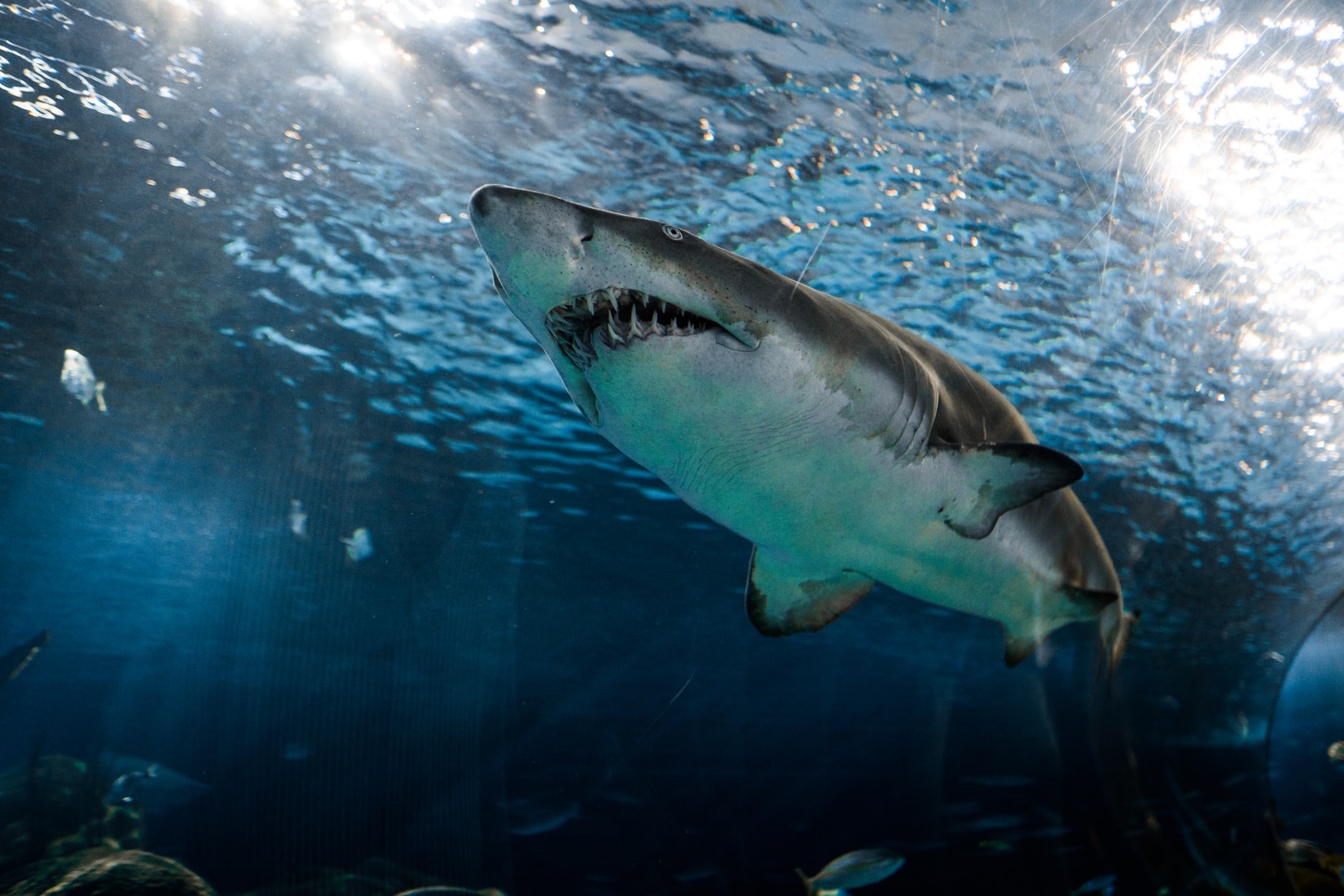 Shark (Mouth for Bogshark) - The mouth was traced out using the selection tools and copied in to the image. It was layer masked and blended to appear as part of Bogarts face. |
 Shark (Eyes for Bogshark) - The sharks eye was brought in using the quick selection tool and a layer mask. It was free transformed and resized as well as layer masked, to appear as though the pupil was behind his eyelid. It was then douplicated and flipped horizontally to use as his other eye. |
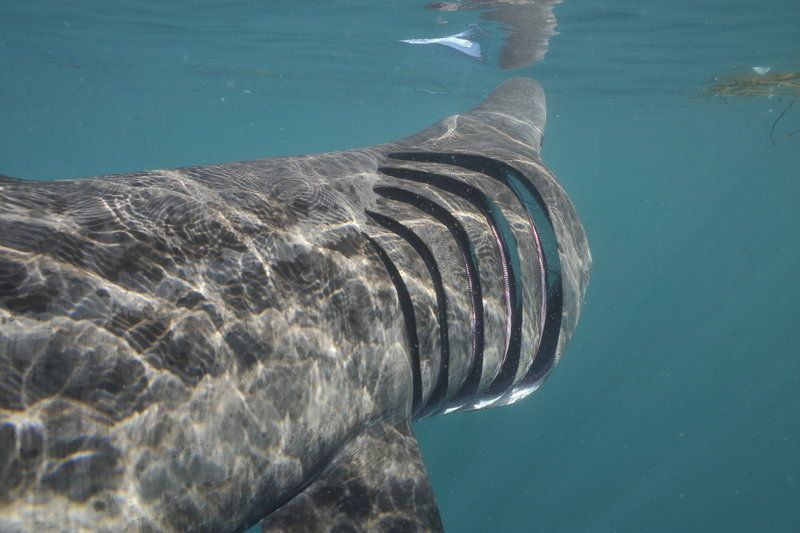 Gills (For Bogshark) - The gills were brought in using quick select and layer masked as well. This ensured that I was able to blend them to his cheeks using proper opacity and I continued to blend using the blur tool and shaded using the brush with an opaque black with a wide spread. |
The Credits template was downloaded from the internet on a free site as well as the font package. These were then edited to fit the movie, and apply my name. The title was created using an adobe font called MonsterMash in white with the effects: Warped text, bevel and emboss, stroke, inner shadow, satin, a gradient overlay and a drop shadow. |